Welcome to Your Cleaning Business Forms Bundle!
You now have ready-to-use forms built for cleaning businesses. Follow the steps below to access, customize, and share them today.
Step 1 — Access Your Forms
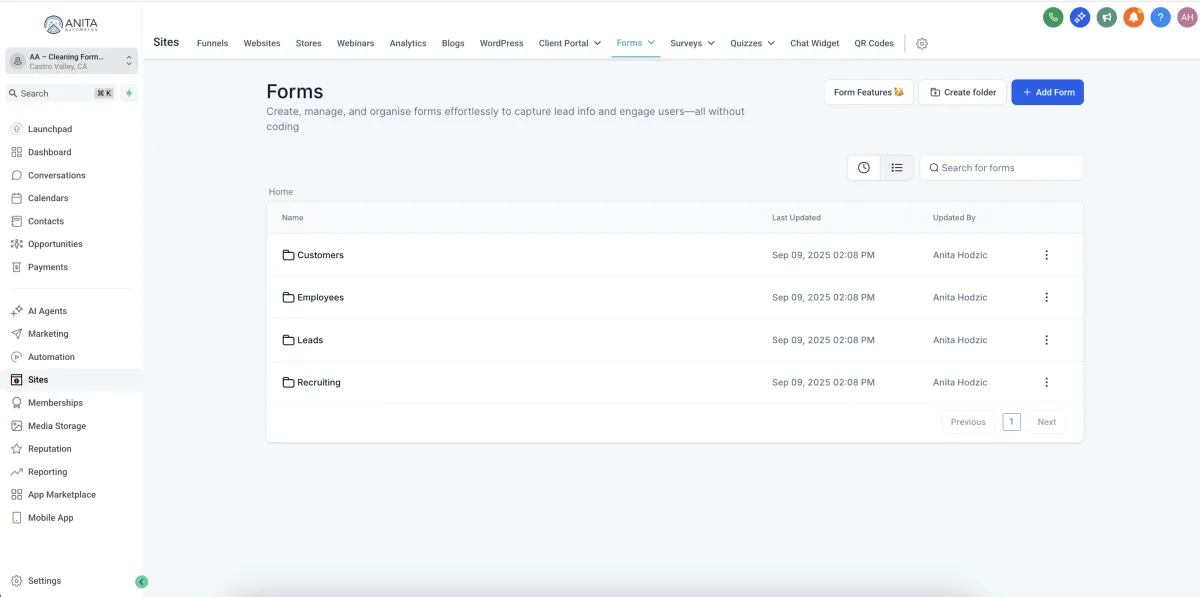
After installing from the Marketplace, your forms are already inside your account. Go to Sites → Forms. You’ll see the bundle organized into folders: Customers, Employees, Recruiting, and Leads.
📂 Customers — Reschedule, Cancellation, Intake
📂 Employees — Supplies, Equipment, Training, Fun Facts (EN/ES)
📂 Recruiting — Reference Check
📂 Leads — Lead Capture
Step 2 — Customize Branding
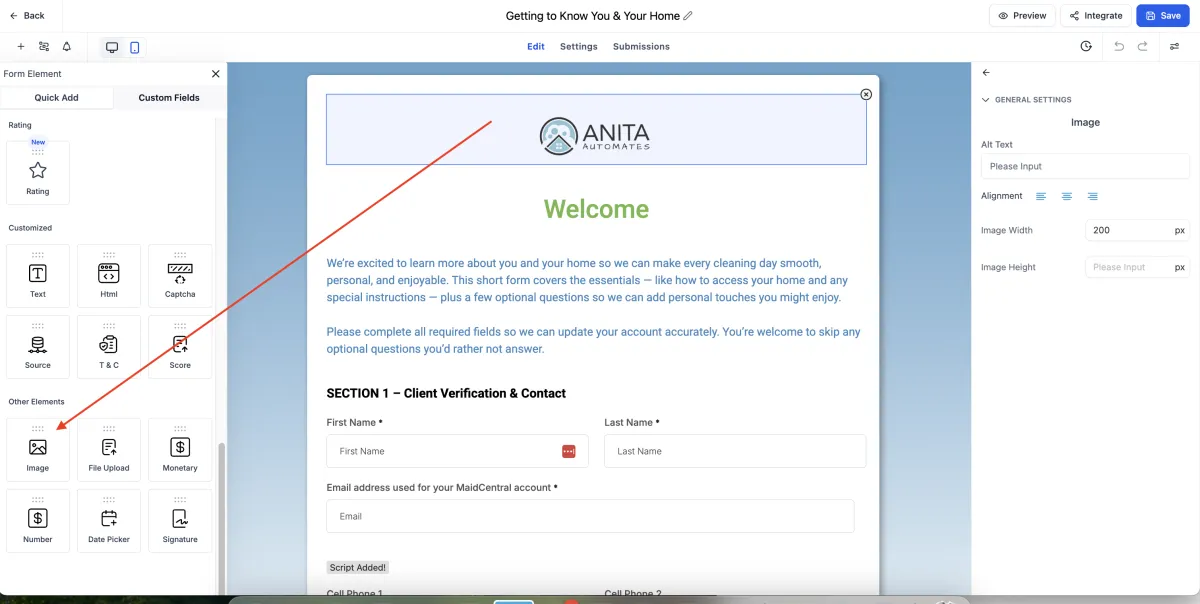
Click into any form to edit. Replace the logo with your own and update button/header colors to match your brand.
Swap logo (PNG/SVG)
Set brand colors
Edit questions/labels as needed
All forms are 100% editable in GoHighLevel.
Step 3 — Publish & Share
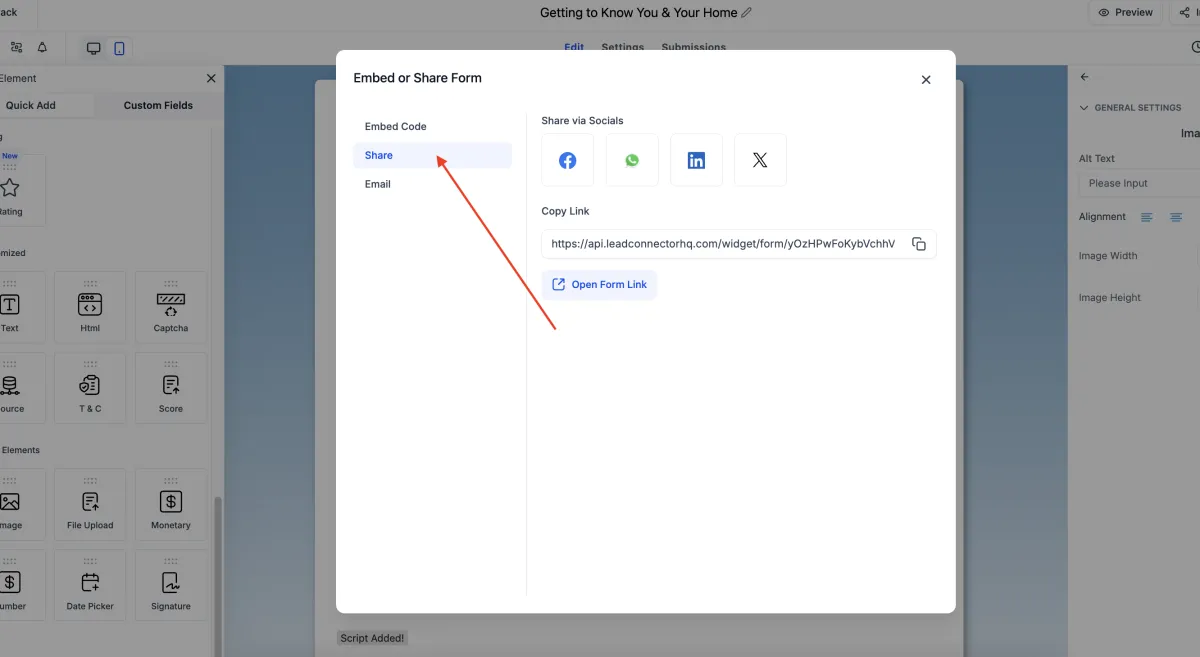
Open a form and click Publish. Copy the share link to send directly to customers or employees, or embed it on your website.
Direct share link
Embed on website
QR code on flyers (optional)
All forms are 100% editable in GoHighLevel.
Step 4 — Optional: Connect Automation
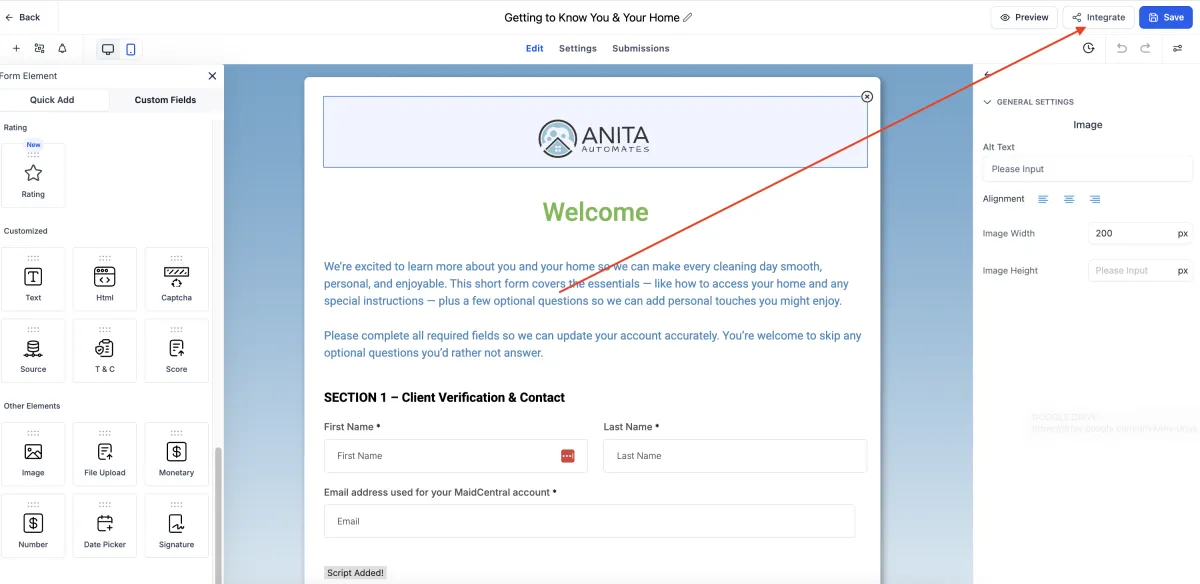
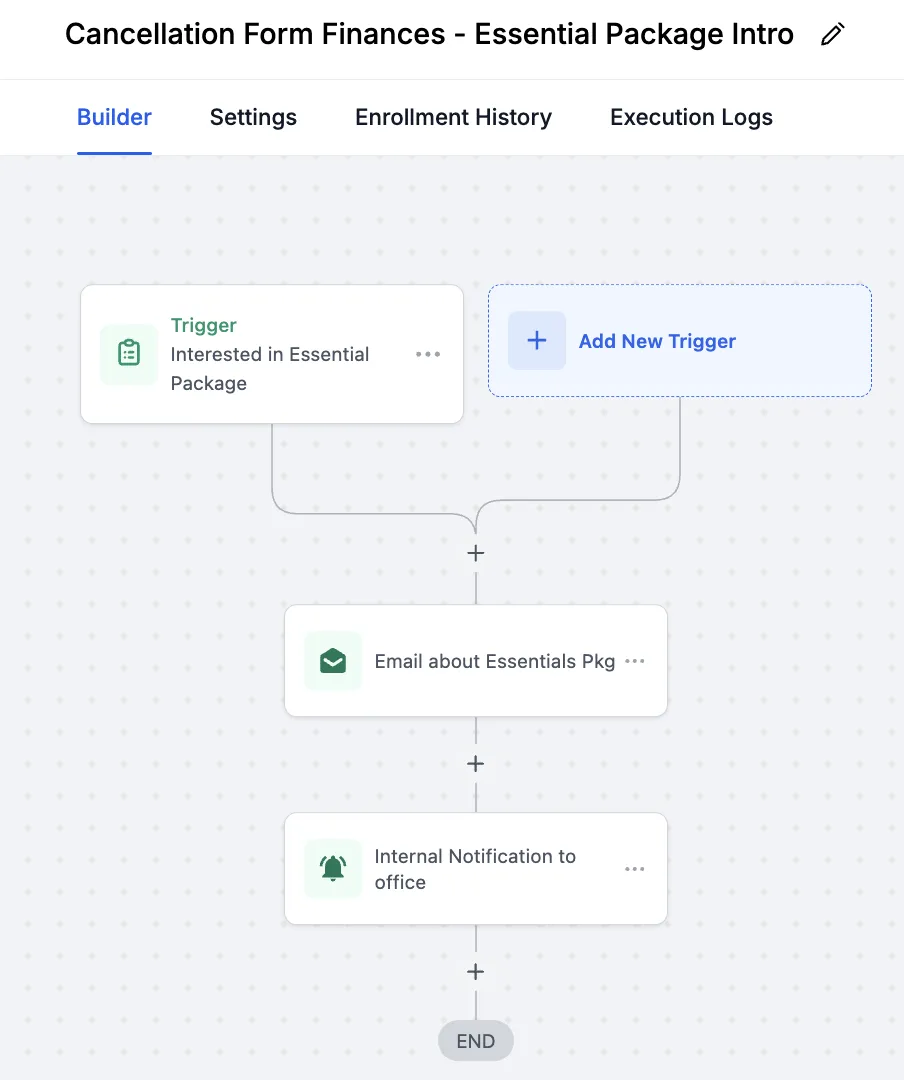
These forms are intentionally standalone. You can later connect them to workflows for notifications, task creation, tagging, or pipeline movement.
All forms are 100% editable in GoHighLevel.
FAQ
Can I edit the questions?
Lorem ipsum dolor sit amet, consectetur adipisicing elit. Autem dolore, alias, numquam enim ab voluptate id quam harum ducimus cupiditate similique quisquam et deserunt, recusandae.
Do these include automations?
No — this bundle is forms-only. You can connect your own workflows later.
Will this work with any cleaning business?
Yes! They’re designed to be universal. Edit and brand them to your services.
Can I use these across multiple locations?
Yes — duplicate forms and tailor as needed.
© Anita Automates — Cleaning Business Forms Bundle